
Google Ads · Small business guide
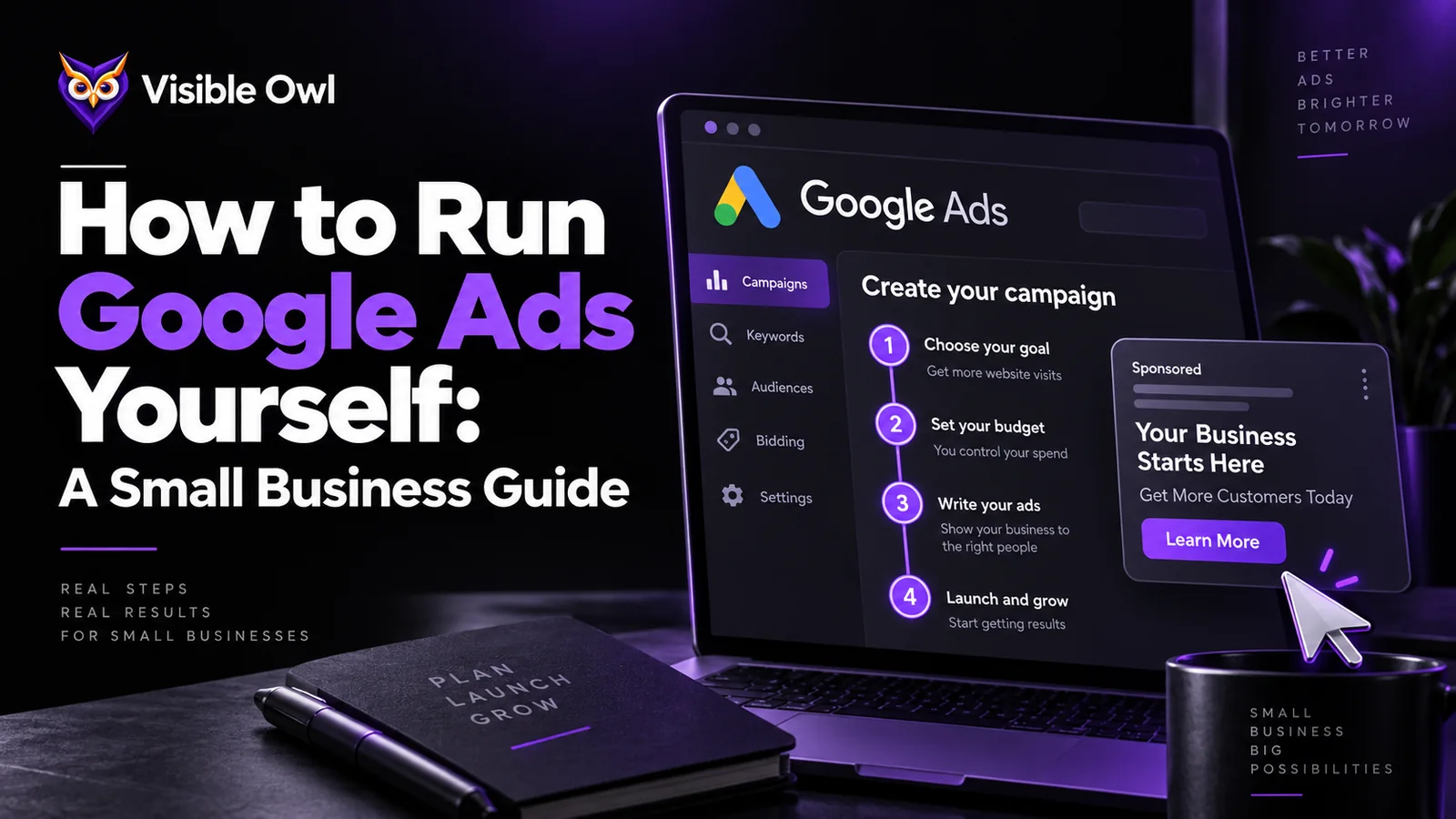
Can You Run Google Ads Yourself? A Step-by-Step Guide for Small Businesses
Yes. Google Ads is built so a business owner can set it up alone, and plenty do it well. The difference between ads that bring in customers and ads that burn money usually comes down to five things: conversion tracking, tight location targeting, the right keywords and negative keywords, a relevant landing page, and a budget big enough to learn from.
No contract. No exit fee. Your domain and Google accounts stay in your name.

Picture a plumber in Cedar Park who spends $500 on Google Ads in one month. His phone rings twice, and both calls are wrong numbers. He decides ads do not work. A month later, his neighbor spends the same $500 and books six jobs. The ads were not the difference. The setup was.
Most owners who ask if they can run Google Ads themselves are really asking two things. Can I do this without wasting money? And would an agency do it better? This guide answers both, honestly.
We manage Google Ads for local businesses, so we would like you to hire us. That is exactly why the steps below are complete. Follow them and you will either run a solid account yourself, or you will know what good looks like when you talk to anyone for help.
Can a small business owner run Google Ads without an agency?
Yes, if you have a few hours a week, you know what a customer is worth to you, and you will set up call tracking before you spend anything. Doing it yourself tends to work well when:
- You serve a clear local area and a short list of services.
- Your monthly ad budget is small, so a management fee would take a big share of it.
- You can check the account every week and answer leads fast.
- You are comfortable with a few numbers: cost per lead, how many leads become jobs, and what a job is worth.
It tends to go wrong when nobody looks at the account for months, when the only goal is more clicks, or when the ads send people to a homepage that does not make it clear how to call.
How much does Google Ads cost for a small business?
There is no minimum. You set the budget and pay when someone clicks. What a click and a lead cost depends a lot on your trade. These are national averages from LocaliQ’s search advertising benchmarks. Use them as a starting point, because busy cities like Austin often cost more.
| Industry | Avg. cost per click | Avg. cost per lead |
|---|---|---|
| All industries | $5.42 | $66.69 |
| Home & home improvement | $8.33 | $90.92 |
| Dentists & dental services | $8.00 | $72.97 |
| Attorneys & legal services | $9.87 | $131.63 |
| Automotive repair, service & parts | $4.35 | $29.96 |
How much should I budget for Google Ads?
Work backwards from leads, not from a round number. Say you run a home service business and want 20 leads a month. Home service leads cost about $91 each in the table above. Here is the math:
- Goal: 20 leads a month.
- Likely cost per lead: about $91.
- Budget needed: 20 × $91 is about $1,820 a month, or roughly $60 a day.
- Sense check: if one in four leads becomes a $1,500 job, 20 leads bring about 5 jobs and $7,500 for $1,820 in ad spend.
Two rules from Google are good to know. On any one day, a campaign can spend up to twice its daily budget, to catch busy times. Over a month, Google will not charge more than 30.4 times the daily budget. So a $60 daily budget can spend $120 on a busy Monday, but the month stays under about $1,824.
If the math only works at a budget you cannot afford, start smaller. Pick a tighter area and fewer services instead of spreading a small budget thin.
How do I set up Google Ads step by step?
Ten steps, in this order. The first two matter most.
- Create your account and switch to Expert Mode. Google may steer new advertisers to a simple Smart campaign. It is easier, but you give up control over the keywords and targeting that matter for local businesses.
- Set up conversion tracking before you spend a dollar. Track calls from your ads, calls from your website, and form fills. Google lets you set a minimum call length, so a 10-second wrong number does not count as a lead. Without this step, nothing else can be measured.
- Make a Search campaign. For most local service businesses, start with Search only: people typing what they need. Untick the Display Network. It is often on by default and spends your budget on banner ads.
- Target your real service area, by city or radius. Choose the option for people in or regularly in your area, not people merely interested in it. Otherwise someone in another state reading about Austin can trigger your ad.
- Pick keywords with buying intent, like “emergency plumber Round Rock” or “AC repair near me.” Group them by service, one ad group per service.
- Add negative keywords for searches you never want to pay for: jobs, careers, DIY, free, training, and services you do not offer.
- Write responsive search ads. You can give Google up to 15 headlines and 4 descriptions. Put the service, the area, your phone number and a reason to choose you in them.
- Add call, location and sitelink assets. They make your ad bigger and give people a one-tap way to call.
- Send each ad group to a matching page, not your homepage. AC repair ads go to your AC repair page, with the phone number at the top.
- Pick a bidding strategy. Many accounts start on Maximize Clicks or Maximize Conversions. They move to a target cost per lead once there is enough data to guide it.

What are the most common Google Ads mistakes small businesses make?
Each of these quietly wastes budget:
- No conversion tracking. You cannot tell which keywords bring customers. Fix it by tracking calls and forms before you launch.
- Location set to people interested in your area. You pay for clicks from people who will never visit. Choose people in or regularly in your area.
- Broad keywords and no negatives. You pay for job seekers and DIYers. Check the search terms report every week and add negatives.
- Display Network left on. Your budget goes to banner ads with low intent. Untick Display expansion in the campaign settings.
- Every ad goes to the homepage. Visitors have to hunt for the service and the phone number. Give each service its own page.
- Judging results after one week. You pause ads before they have enough data. Give a new campaign several weeks, and watch cost per lead, not clicks.
- Missing calls. You pay for leads nobody answers. Set your ad schedule to the hours you are staffed (see when local customers tend to call).
How do I know if my Google Ads are working?
Measure cost per lead and revenue, not clicks. If what you pay for each lead is well below what those leads earn you, the ads are working, even if the click rate looks ordinary. Four numbers tell you almost everything:
- Cost per conversion: total spend divided by tracked leads.
- Lead-to-customer rate: how many leads become paying jobs. Only you can measure this, from your own records.
- Revenue per customer: what an average job, or a customer over a year, is worth.
- Search terms: the real searches your ads showed for. This is the fastest way to find waste.
Compare like with like. For a seasonal trade around Austin, compare this August with last August, not with March.

What results can Google Ads produce for a local business?
It varies a lot by trade, market and how the account is run. Here are two results from our own client work, each published with where the figure came from.
A dental practice in Texas: $20,000 to $64,000 in a single month. That was attributed revenue from one month of Google Ads, alongside a move from six organic visits a day to 143 after website and search work. It is client-reported, from their own Google Ads, Search Console and Analytics.
A dental practice running Google Ads and SEO: 20%+ more revenue from Google Ads within two months. This is from the owner’s public Google review, where they also describe a big jump in website traffic.
Neither is typical, because there is no such thing. What made both work was the plain part: tracking calls properly, cutting wasted searches, and sending traffic to pages built to convert. The full details are on our case studies page.

Should I use Google Ads, Local Services Ads or SEO?
Google Ads gives you the most control and works for almost any business. Local Services Ads charge per lead, but only some trades can use them. SEO is slower, but it keeps working without paying for every click. Many local businesses use a mix.
Local Services Ads are moving into Google Ads, which changes how they are managed. See what the Local Services Ads change means for your business. For the organic side in Central Texas, read how local businesses get found on Google in Austin and Round Rock.
Should I hire a Google Ads agency or do it myself?
Do it yourself if your budget is small, your service area is simple and you will check the account every week. Hire help when the time you would spend is worth more than the fee, when your spend is big enough that small gains pay for the management, or when results have stalled.
A simple test: if you get leads at a cost that works, keep going. If you are spending every month with no clear return, get a second pair of eyes.

What should I do next?
If you are starting from scratch, follow the setup steps above and give the campaign a few weeks with call tracking in place. If you already run ads and are not sure they work, get the account looked at before you spend more.
Here is how our Google Ads management works. Your account stays in your name. Your ad budget is paid to Google directly. There is no long-term contract. The first review of your account is free, and our team will tell you honestly if you are better off running it yourself. Book a review or call (512) 553-9675.
Questions owners ask before they start
Is Google Ads worth it for a small business?
It is when a customer is worth much more than it costs to win one. Work out your likely cost per lead and how many leads become paying customers. If the math works on paper, a well-tracked campaign usually proves it within a couple of months.
How long does it take for Google Ads to start working?
Ads can show within hours of approval. But a new campaign usually needs a few weeks of data before you can judge cost per lead fairly and before automatic bidding settles.
What is the minimum budget for Google Ads?
Google does not set one. The practical minimum is a budget that buys enough clicks each month to make several leads in your trade. Otherwise you cannot tell what is working.
Should I use a Smart campaign or Expert Mode?
Smart campaigns are simpler, but you get less control over keywords, targeting and where your budget goes. For most local service businesses that want to control costs, Expert Mode with a Search campaign is the better start.
Do I need a website to run Google Ads?
Some campaign types can run without one. But a fast page that matches the ad, with your phone number at the top, almost always works better and makes tracking easier.
Why am I getting clicks but no calls?
Usually it is one of four things: the wrong search terms, visitors from outside your area, a page that makes calling hard, or call tracking that is not recording calls. Check the search terms report and your location settings first.
How much does a Google Ads agency charge?
Agencies use a flat monthly fee, a share of ad spend, or a mix. Ours is published: management is a one-time $999 setup, then starting at $799 a month. Your ad budget is paid to Google directly, and there is no long-term contract.
Abdullah Mahdi
Founder of Visible Owl. Leads SEO, AI search (GEO and AEO) and website development, and has built and ranked websites for small businesses since 2015.
Sources
Want more answers like this?
Add Visible Owl as a preferred source on Google, and our articles show up more often in your Top Stories and AI answers.
Button not showing? Add Visible Owl on Google.